Text Selection Handles do not appear on Minimal Markdown and Dynamic Markdown #620

Description

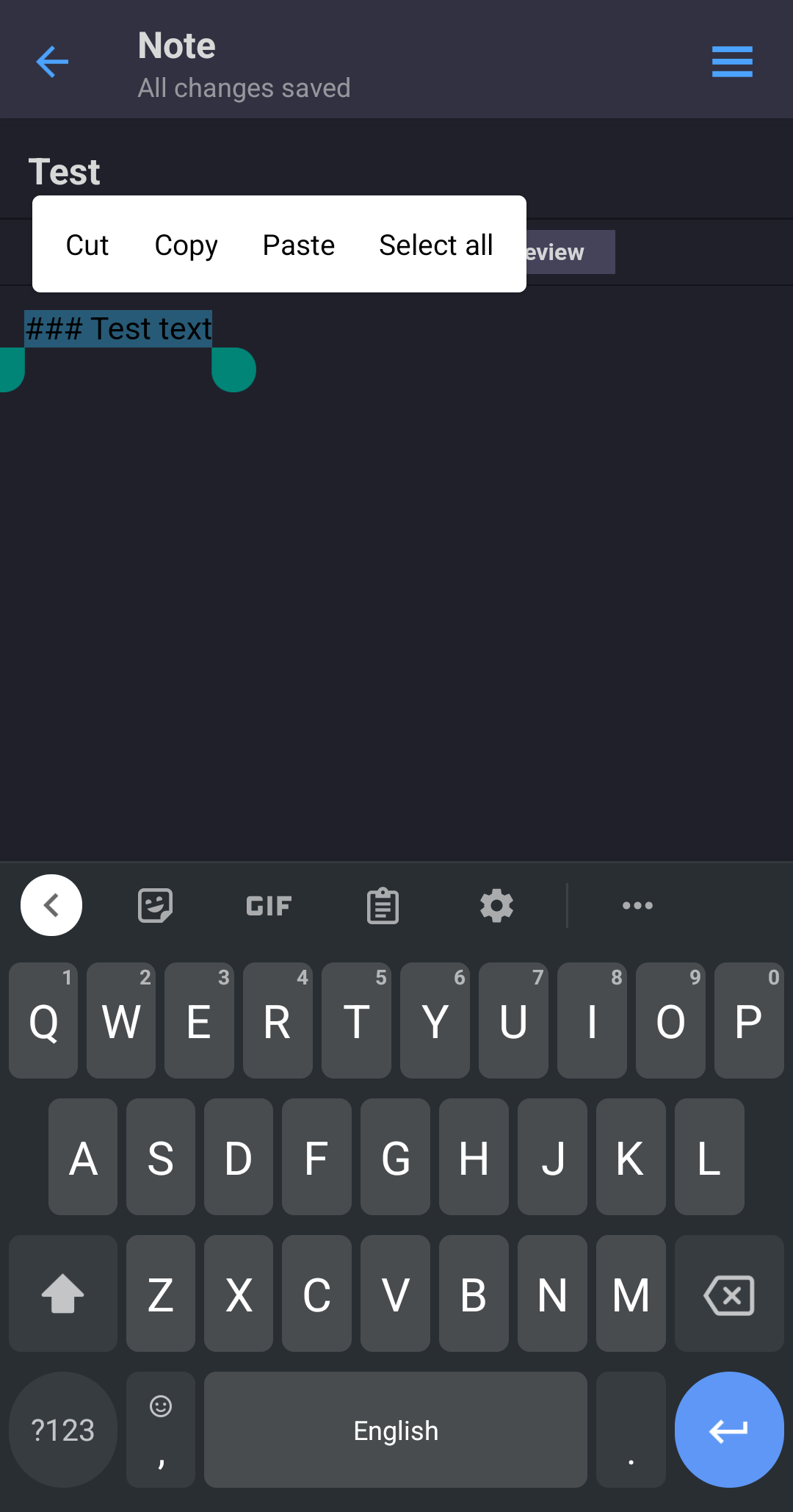


When using the Minimal Markdown and Hybrid Markdown editors text selection handles do not show up to help select text. Additionally, scrolling through text by sliding on the spacebar with gBoard doesn't work with these editors. This makes editing nearly impossible on mobile. Plain Text and Basic Markdown work as expected.
I am running Android 12 on a Pixel 5 with gBoard as my keyboard. These are the same editors that have keyboard appearance issues as I previously noted in Issue #539
This issue (no selection handles + keyboard not appearing without a long press) persists with every keyboard I've tried, though some are able to scroll with the space bar as expected.
Please let me know if you need any more info. I have not yet tried uninstalling and reinstalling Standard Notes. Thanks.