Skip to content

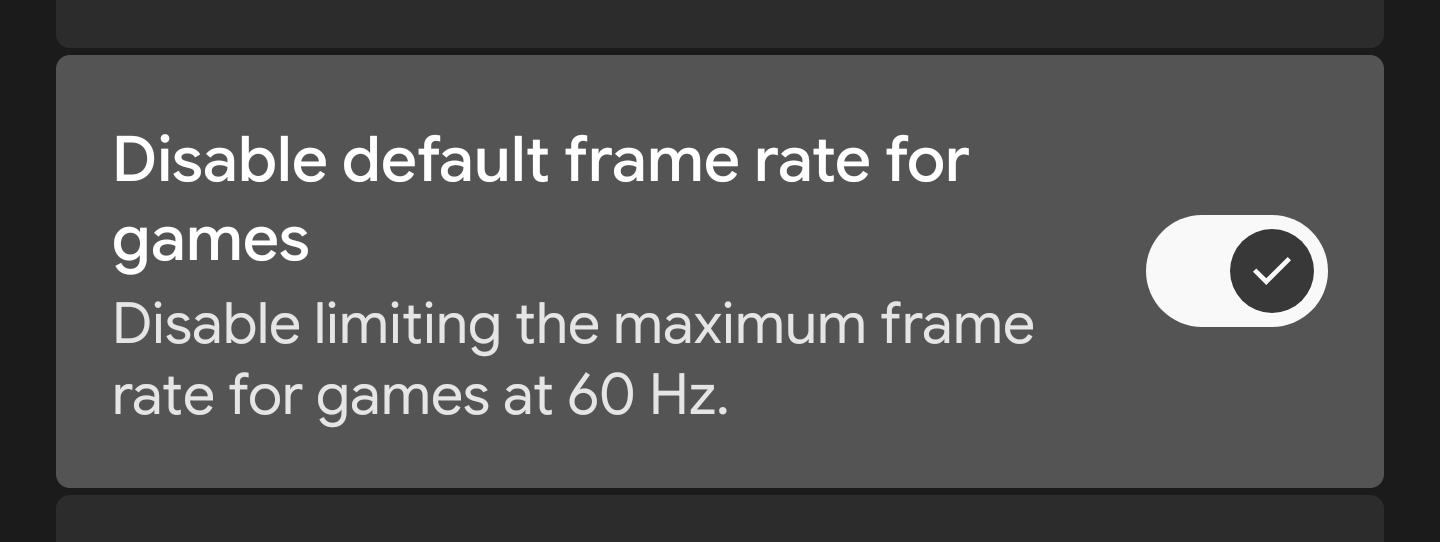
It keeps the developer options setting that removes the 60 Hz frame rate limit in games enabled after every reboot.

Notifications You must be signed in to change notification settings

bcrtvkcs/EnableTheRemoveGameFPSLimitDevSettingAutomatically-Magisk-KSUModule

Folders and files

NameName
Last commit message
Last commit date

Latest commit


History

22 Commits


Repository files navigation

Enable The "Remove Game FPS Limit" Dev Setting Automatically Magisk & KSU Module

Overview

Keeps the developer options setting that removes the 60 Hz frame rate limit in games enabled after every reboot.

⚠️ DISCLAIMER ⚠️

I am not responsible for bricked devices, dead SD cards, thermonuclear war, or you getting fired because the alarm app failed. Please do some research if you have any concerns about features included in this module before flashing it. YOU are choosing to make these modifications, and if you point the finger at me for messing up your device, I will laugh at you!

Installation Instructions

  1. Download the latest release.
  2. Flash it via KernelSU, KernelSU Next, or Magisk.
  3. Reboot the device.
  4. Check whether the related setting is enabled.
  5. You're all set!
  6. If you experience any issues, please let me know through the Issues panel.

Compatibility

  • Android 8.0+
  • KernelSU / KernelSU Next / Magisk

About

It keeps the developer options setting that removes the 60 Hz frame rate limit in games enabled after every reboot.

Resources

Stars

Watchers

Forks

Packages

No packages published

Languages