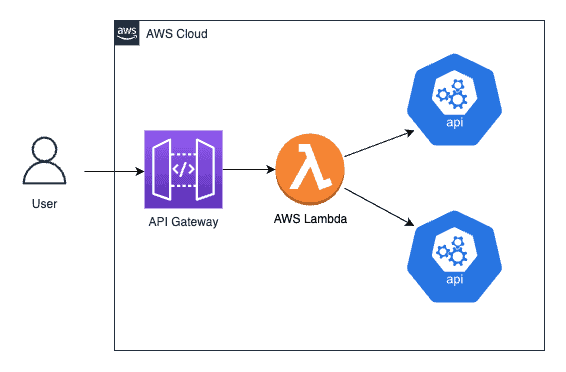
| Objective | - Create Serverless REST API using AWS Lambda and Amazon API Gateway - Perform API CRUD operations without having to manage infrastructure with efficient code snippets known as ‘Functions’ in AWS lambda |
| Approach | - Setup a Lambda by creating function and testing the function - API Integration of lambda function with Amazon API Gateway and test using Postman - Add trigger for Lambda function |
| Impact | - Successfully created a serverless REST API using AWS Lambda and Amazon API Gateway that is inherently scalable - Operational efficiency of CRUD operations is increased effectively |
Primary Technology: AWS Lambda Service, Amazon API gateway, Postman

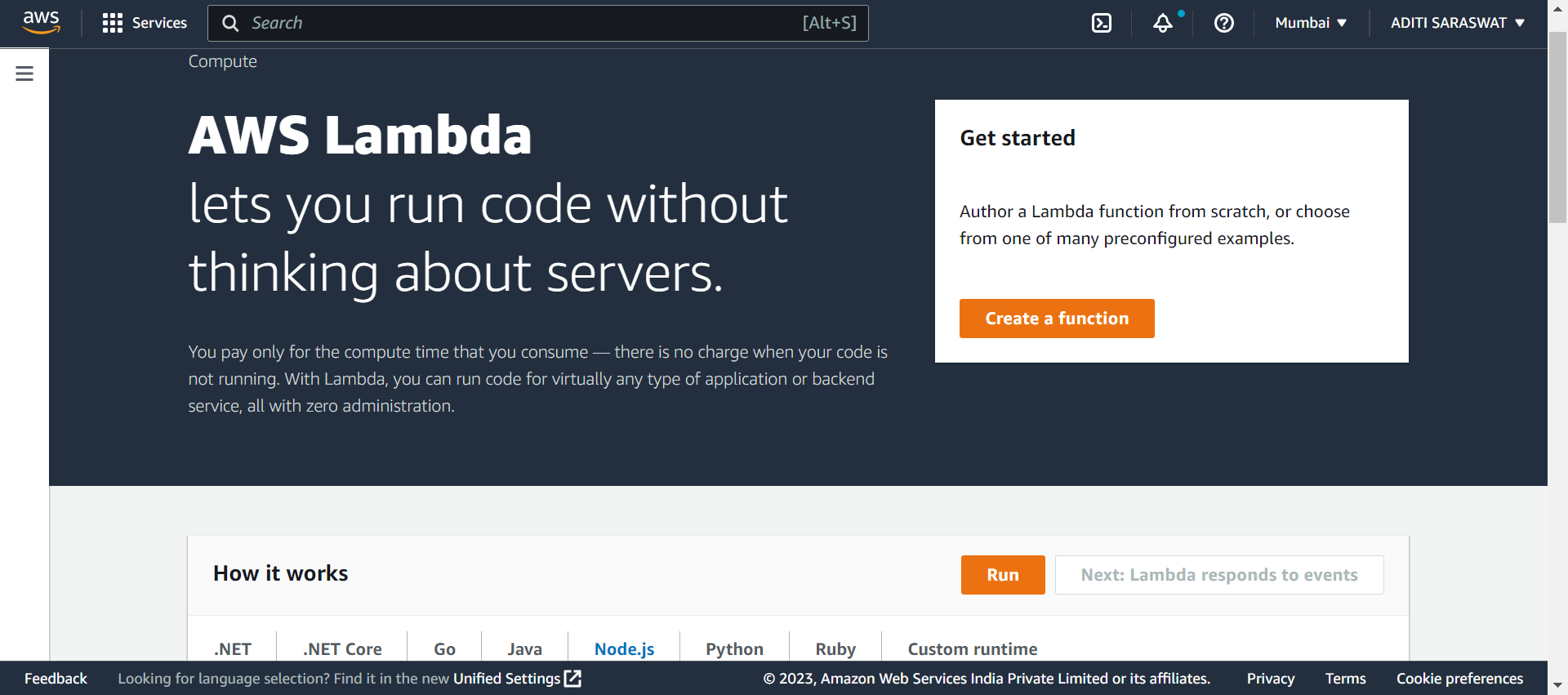
On the aws console, search and select Lambda from the Services category

Click Create a function to create a Lambda function
Select Author from scratch and give the function a name

Select Runtime as Python 3.9 and x86_64 Architecture. Select Create a new role with basic Lambda permissions as Excution role

Click Create function

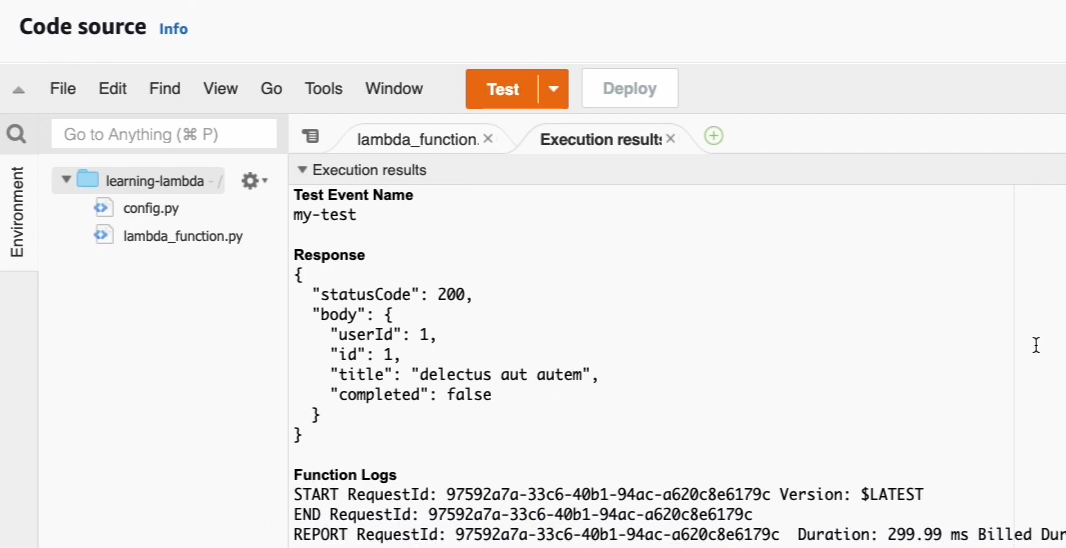
Click Test for testing Lambda function

Configure test event and click Save


Click Test


Go to JSON placeholder to get sample API
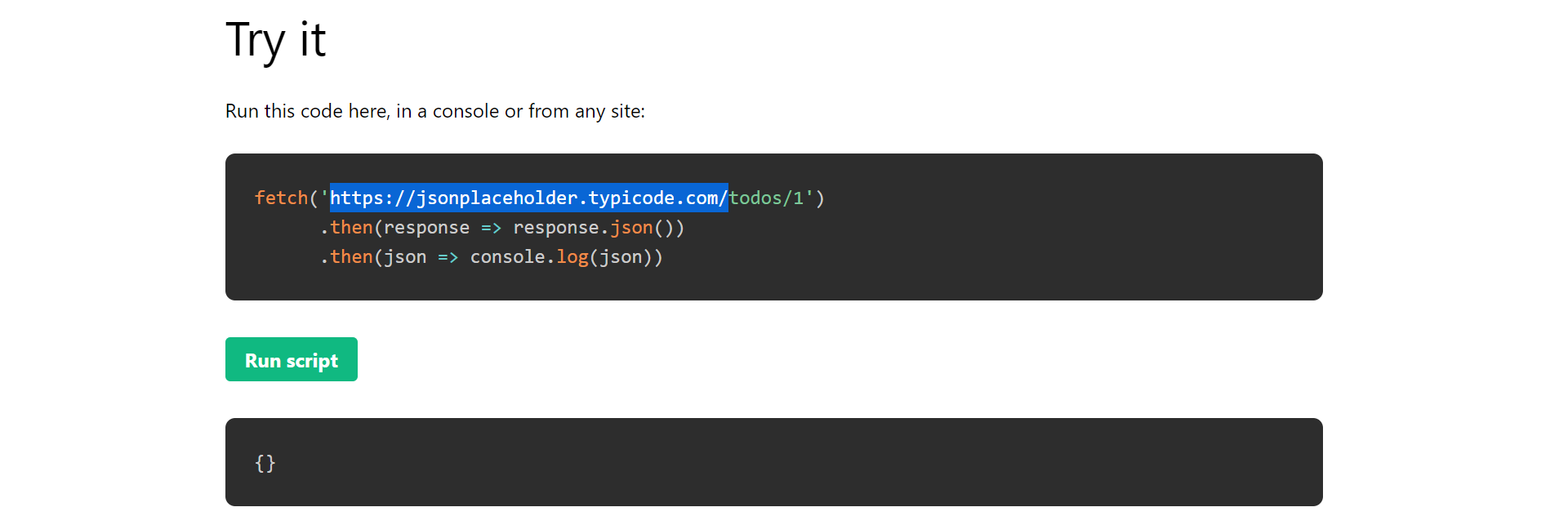
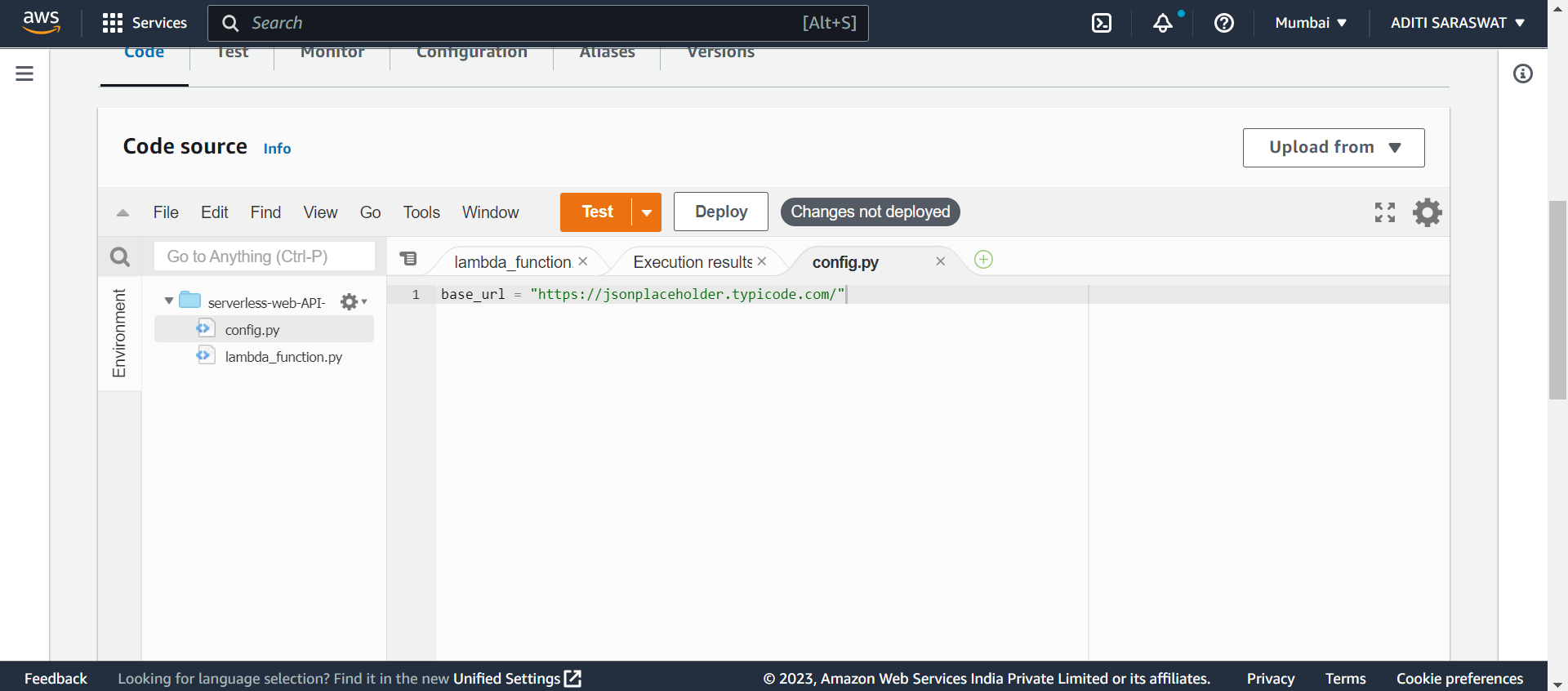
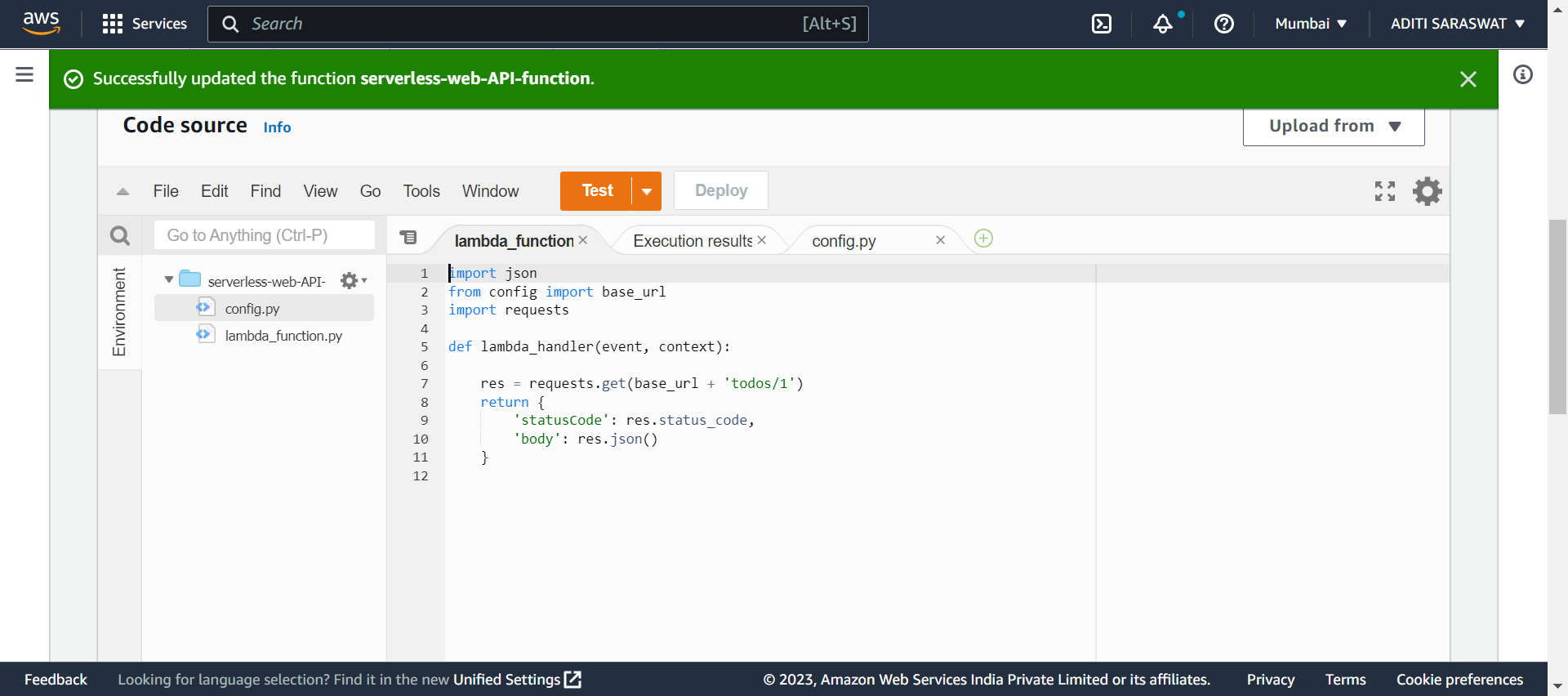
On aws console, create new file named config.py and add base-url in config.py file

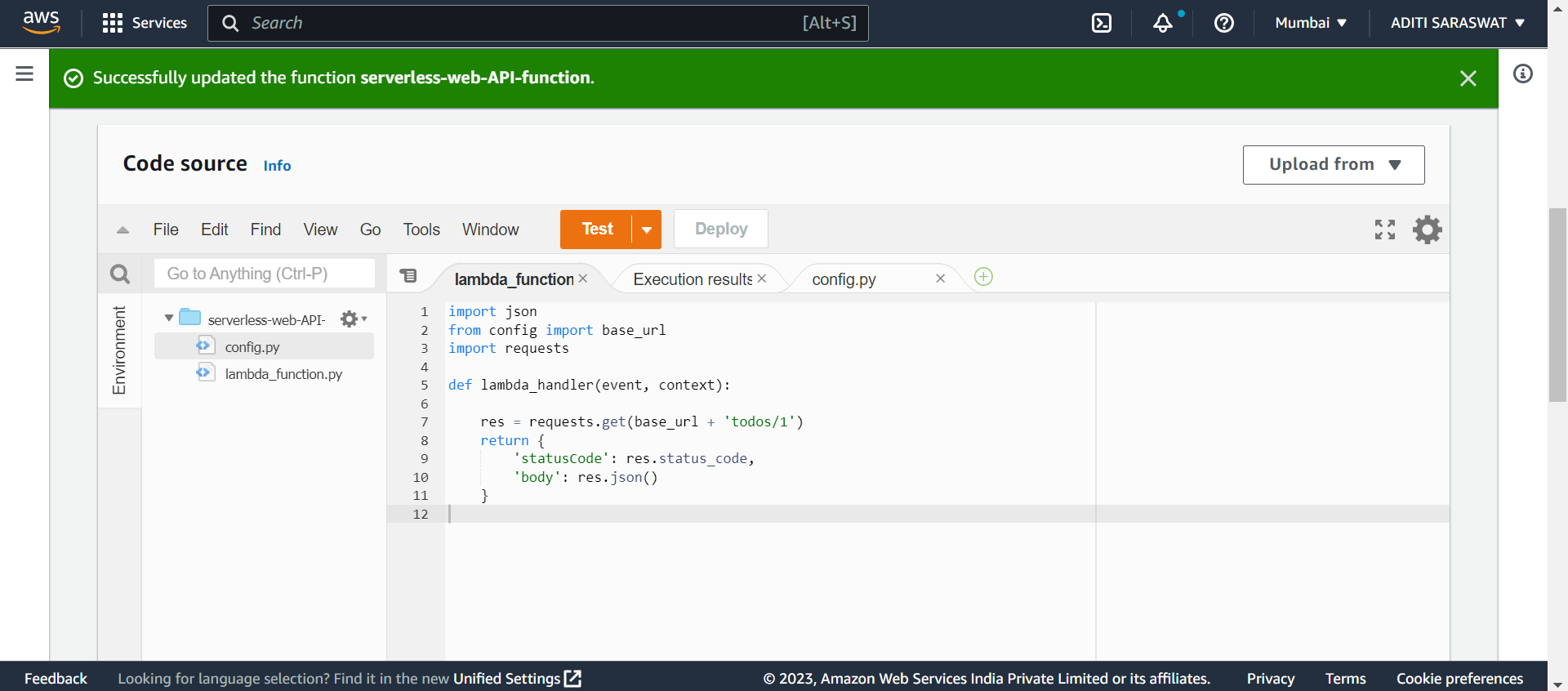
Import config.py file and requests library in lambda_function. Finally, deploy the function by clicking Deploy
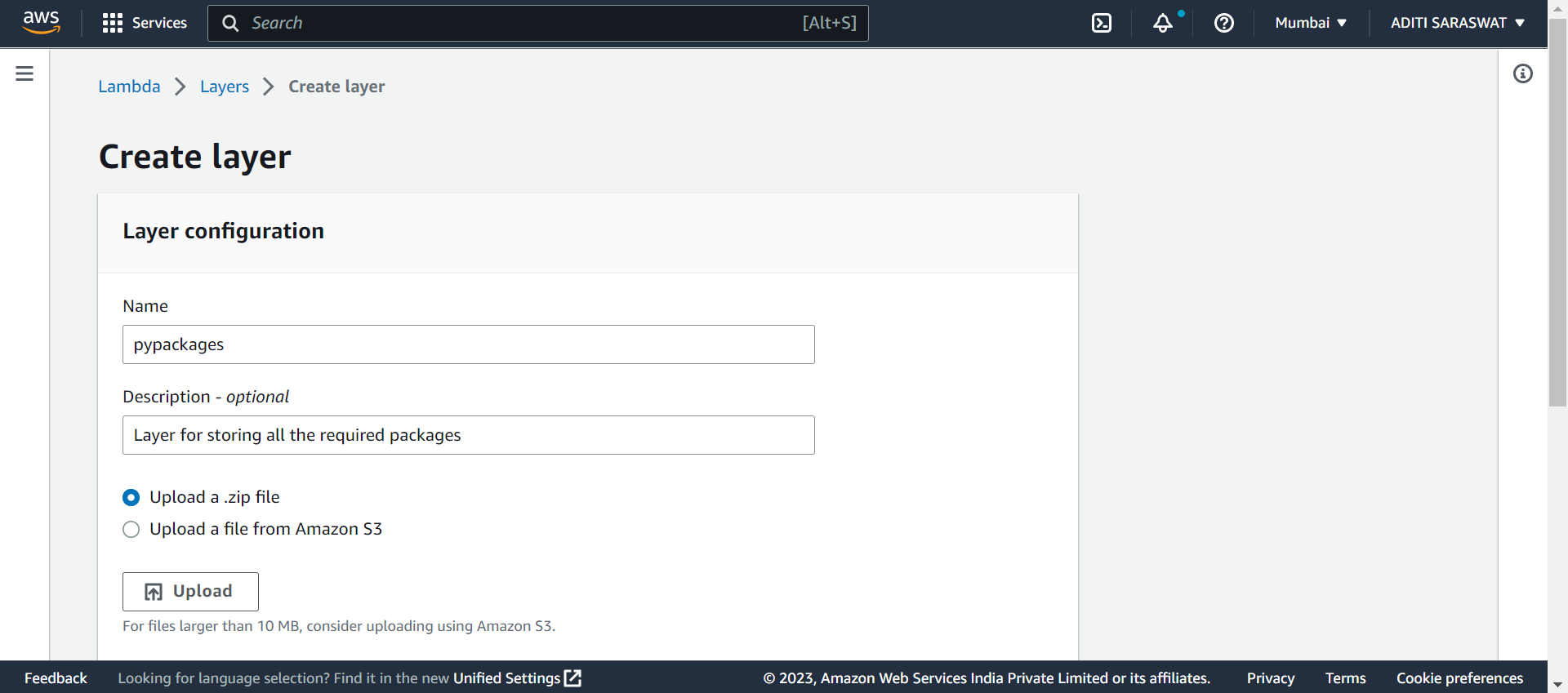
Go to aws console and click on Layers. Click Add a layer. Finally, click Create layer to create a layer
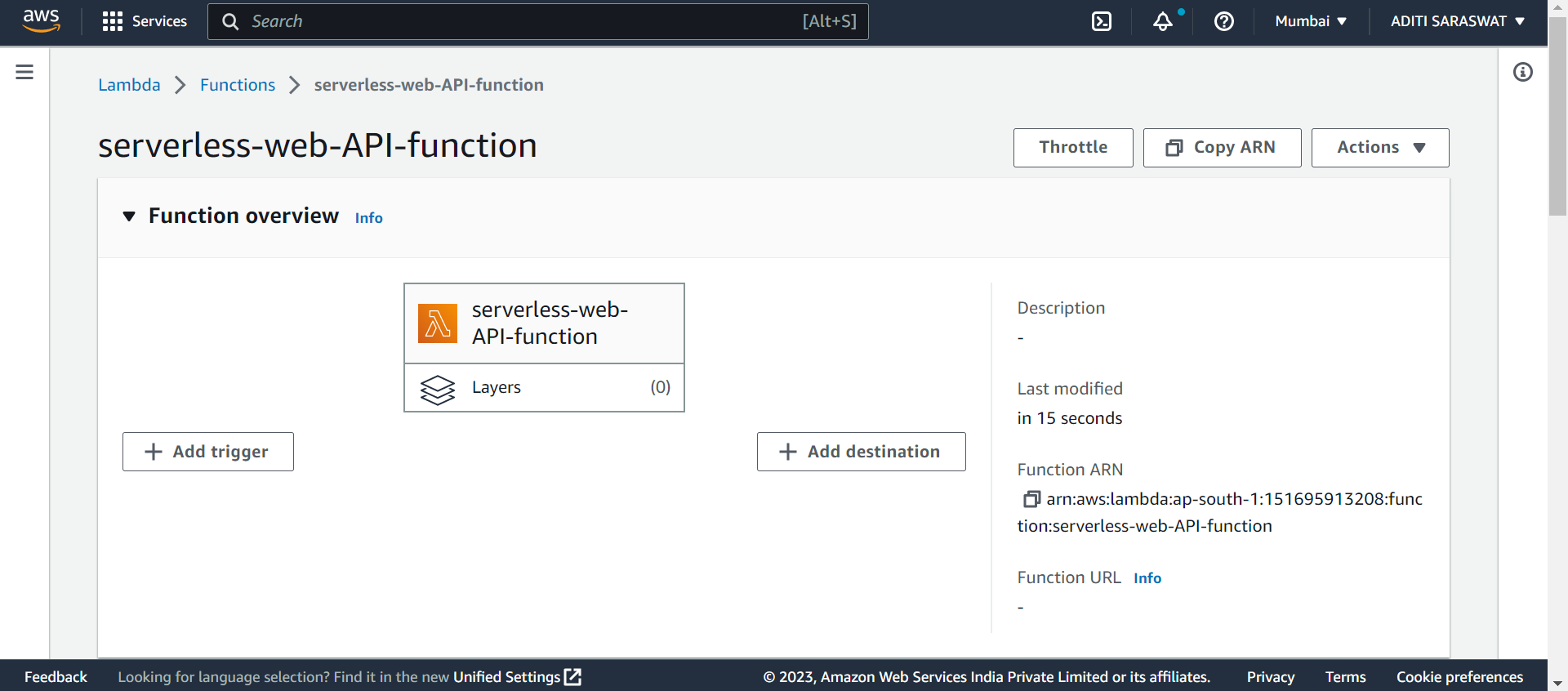
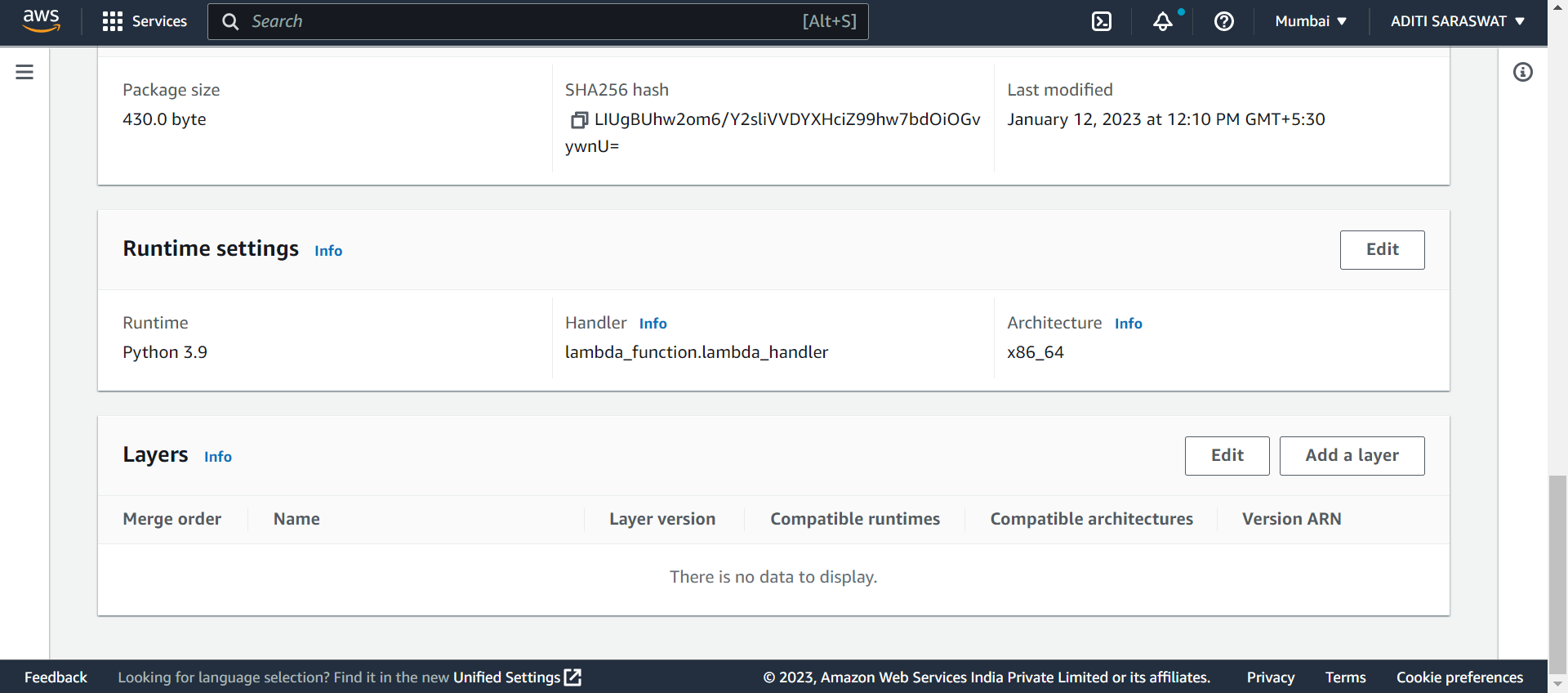

Create a layer by configuring name, description.
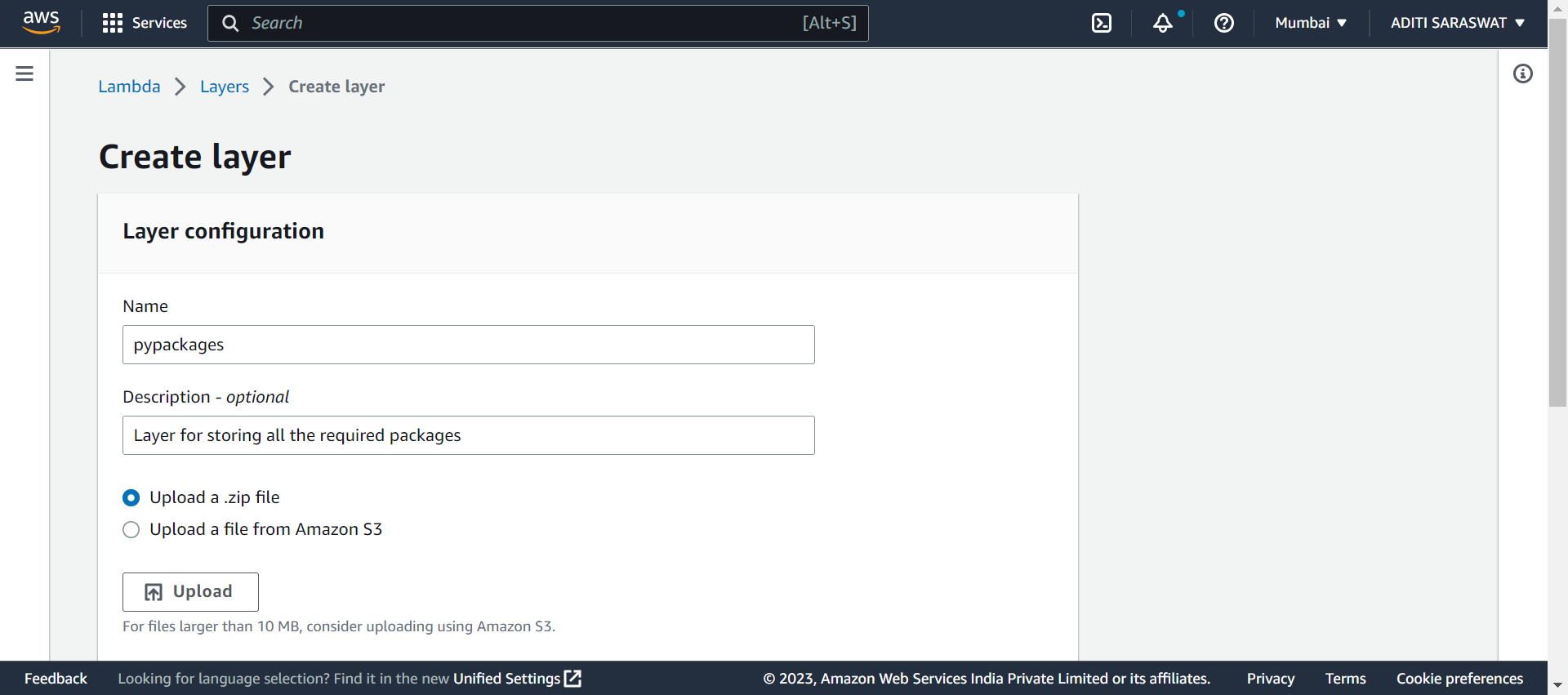
Enter the following commands to create a .zip file using terminal:
mkdir pypackages
cd .\pypackages
pwd
Copy the path
pip3 install requests -t
ls

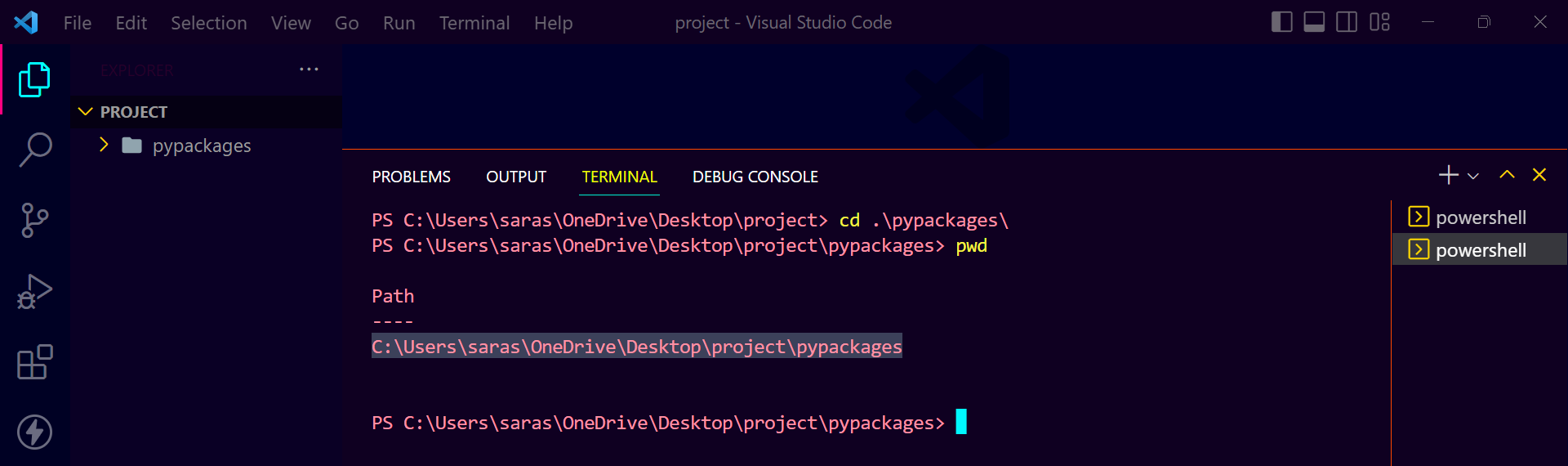
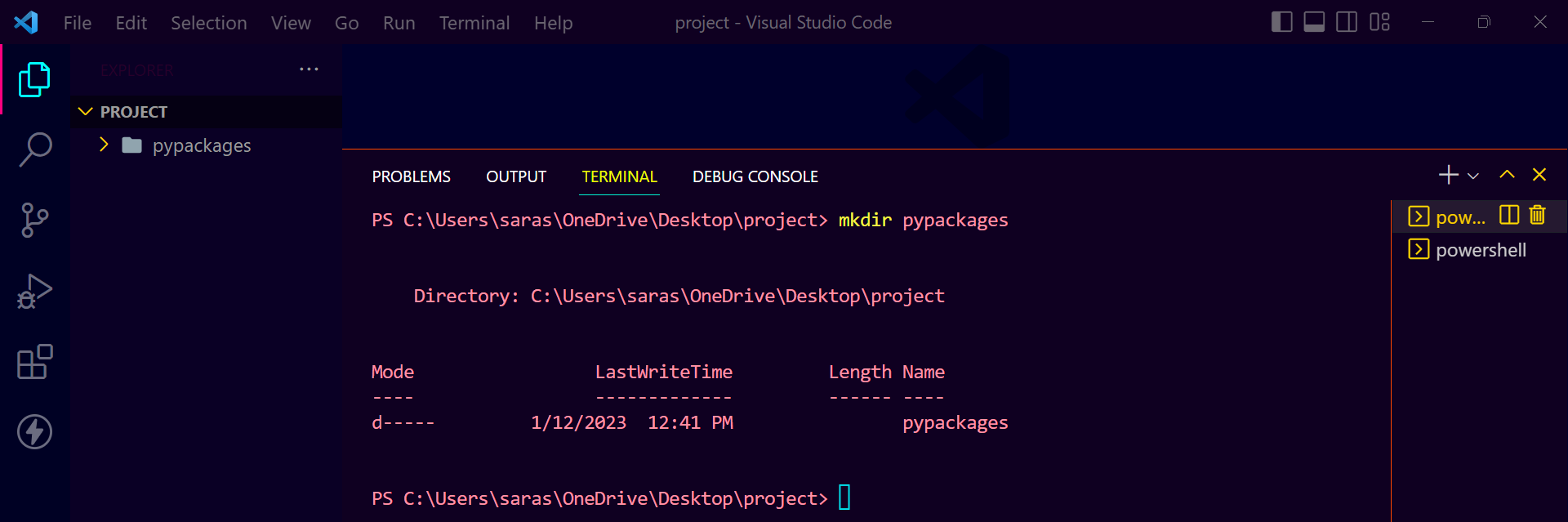
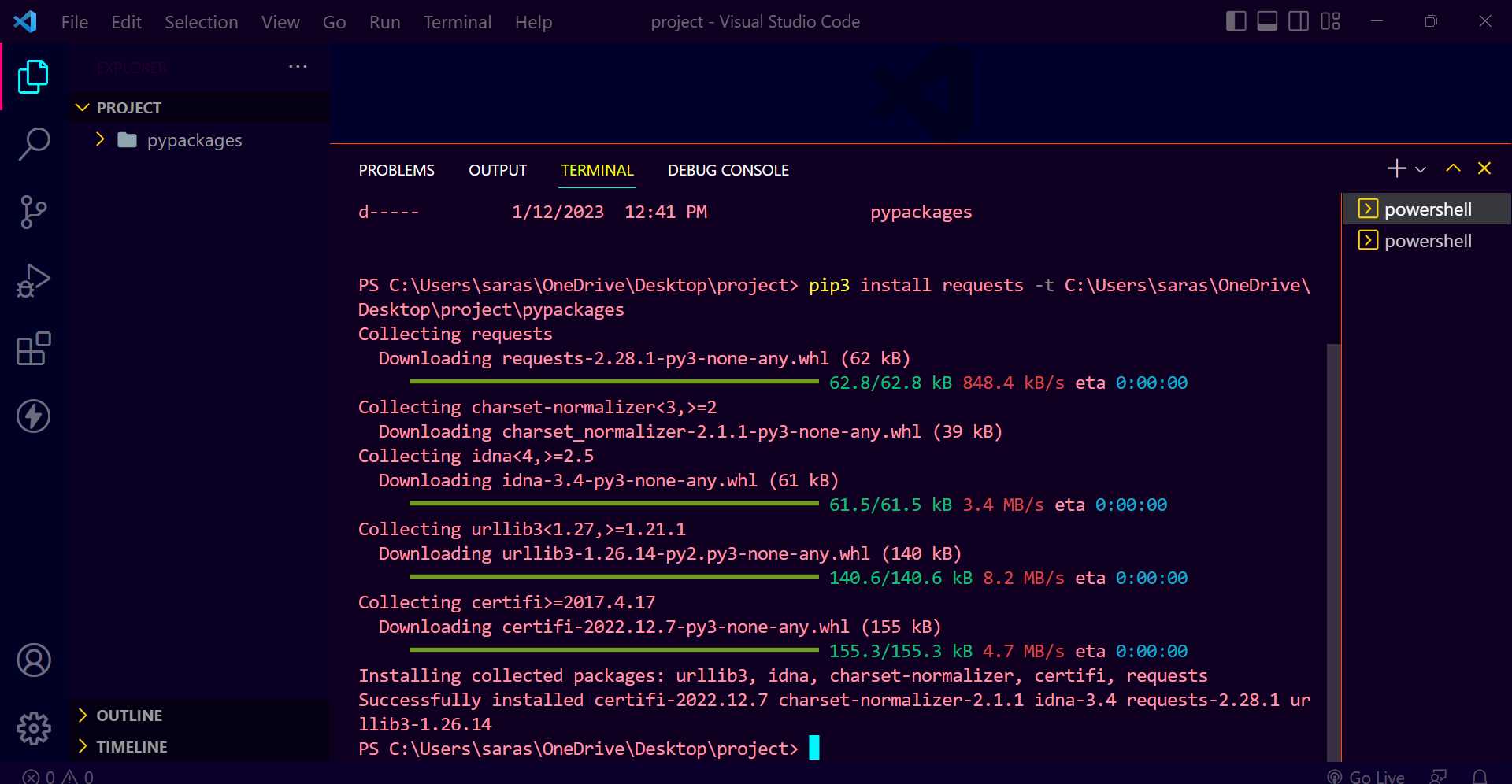

Create .zip file
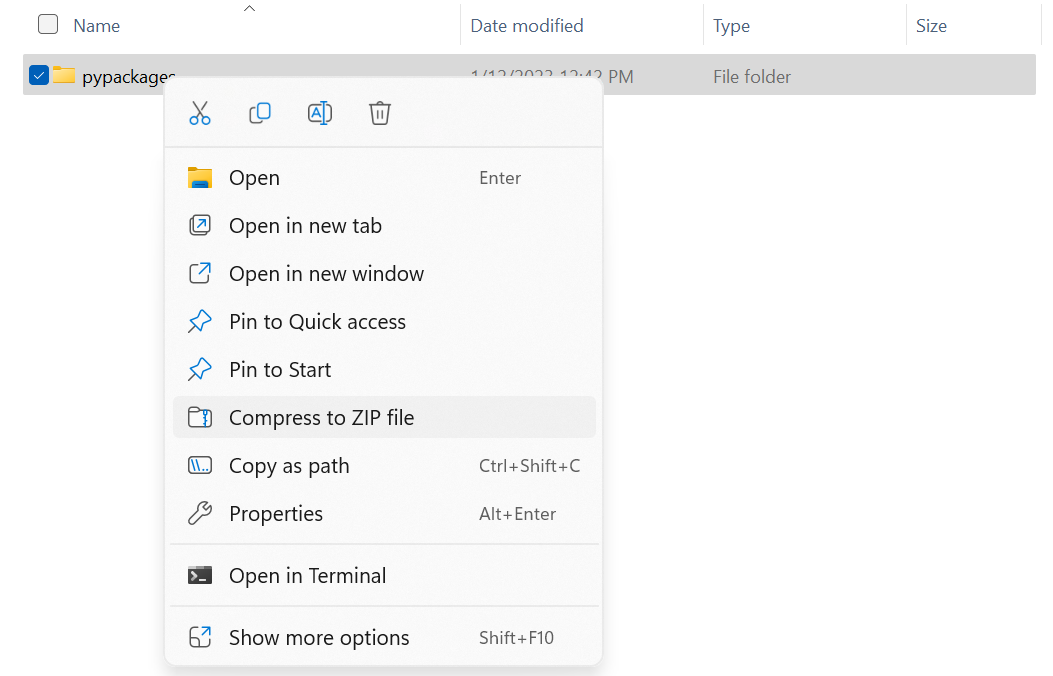

Upload .zip file enter other details and click Create
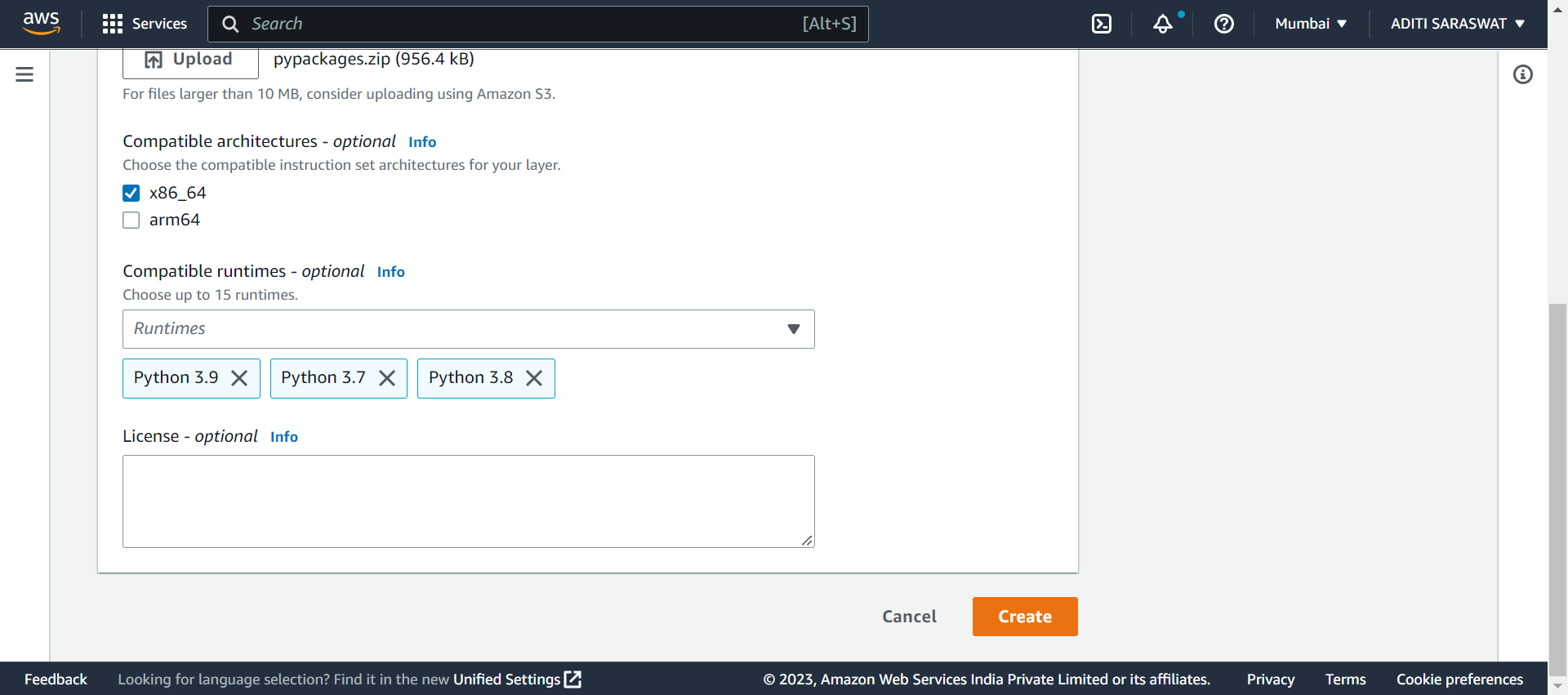

Go to aws console, click on function name
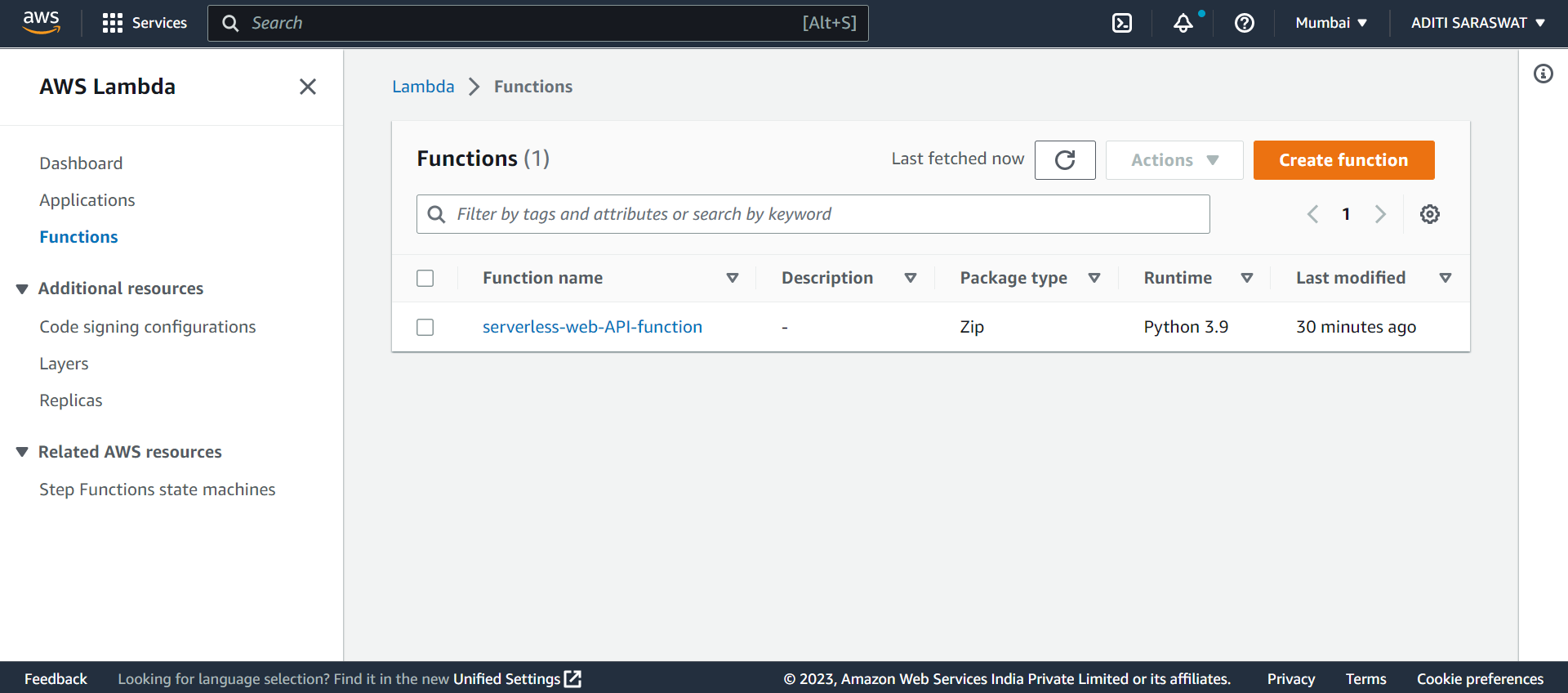
Click on Layers
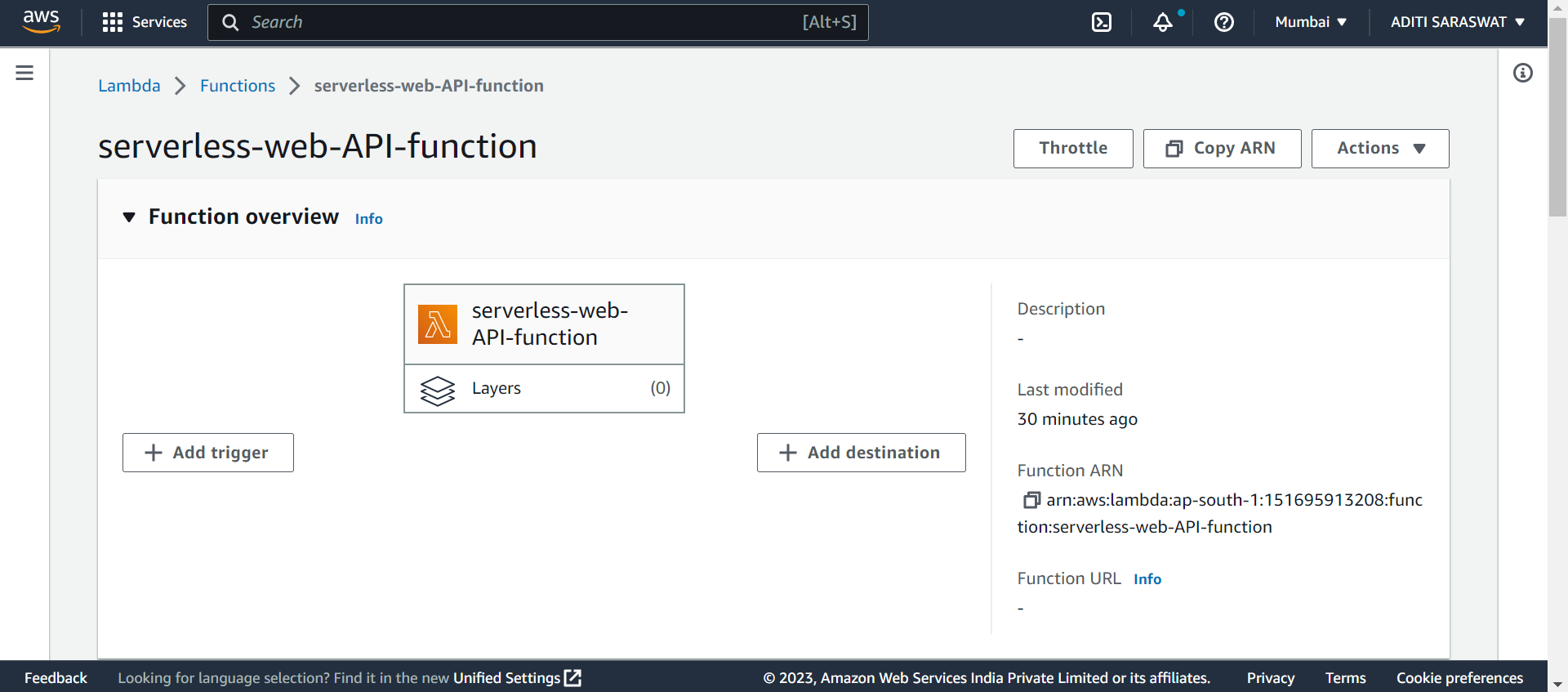
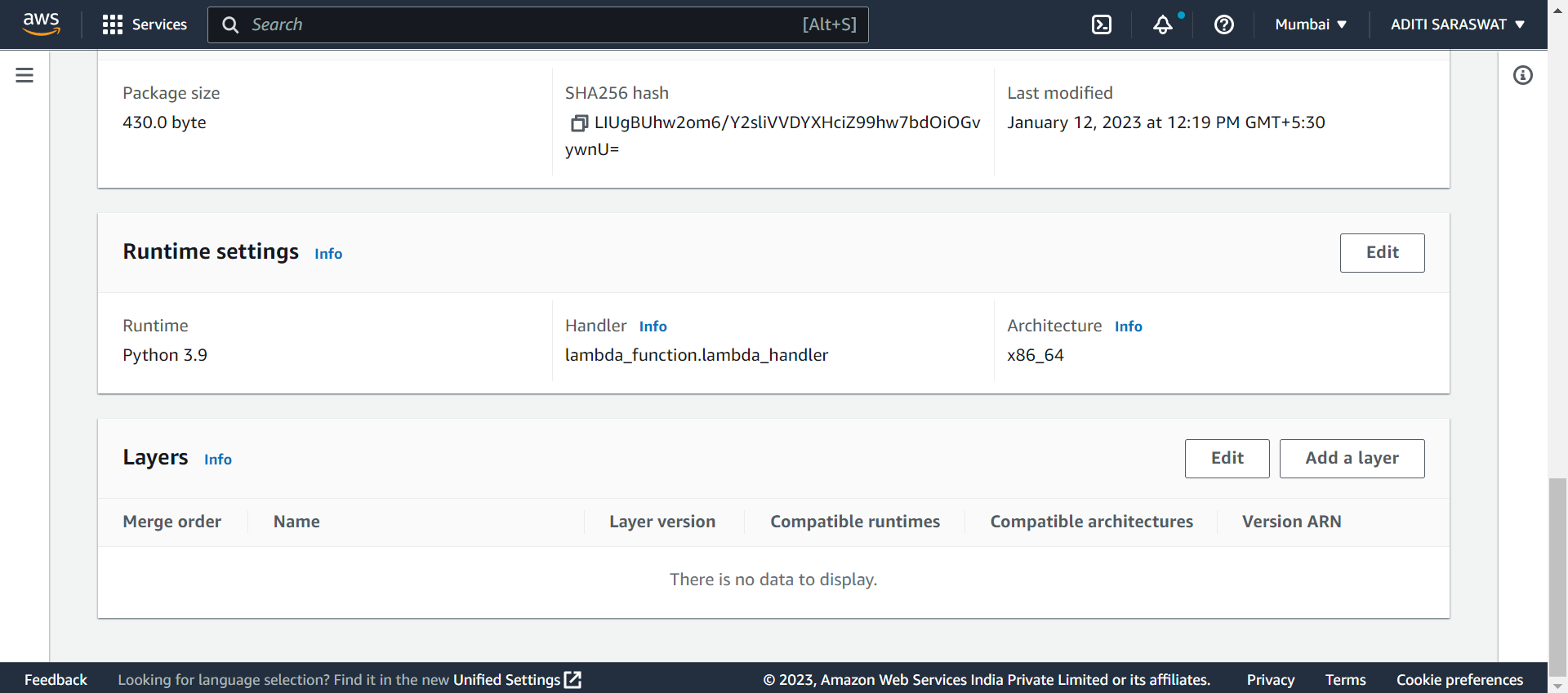
Click Add a layer
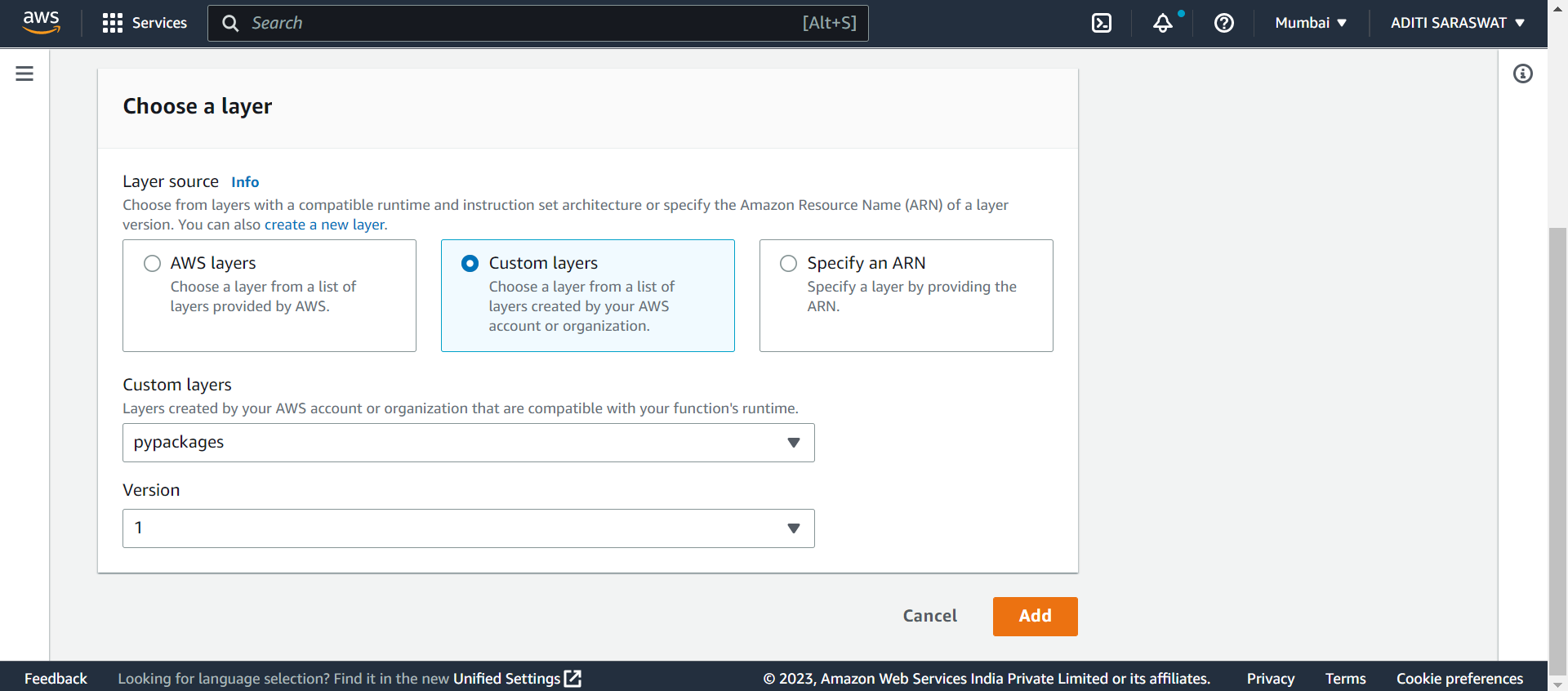
Select Custom layers and choose the created layer. Click Add
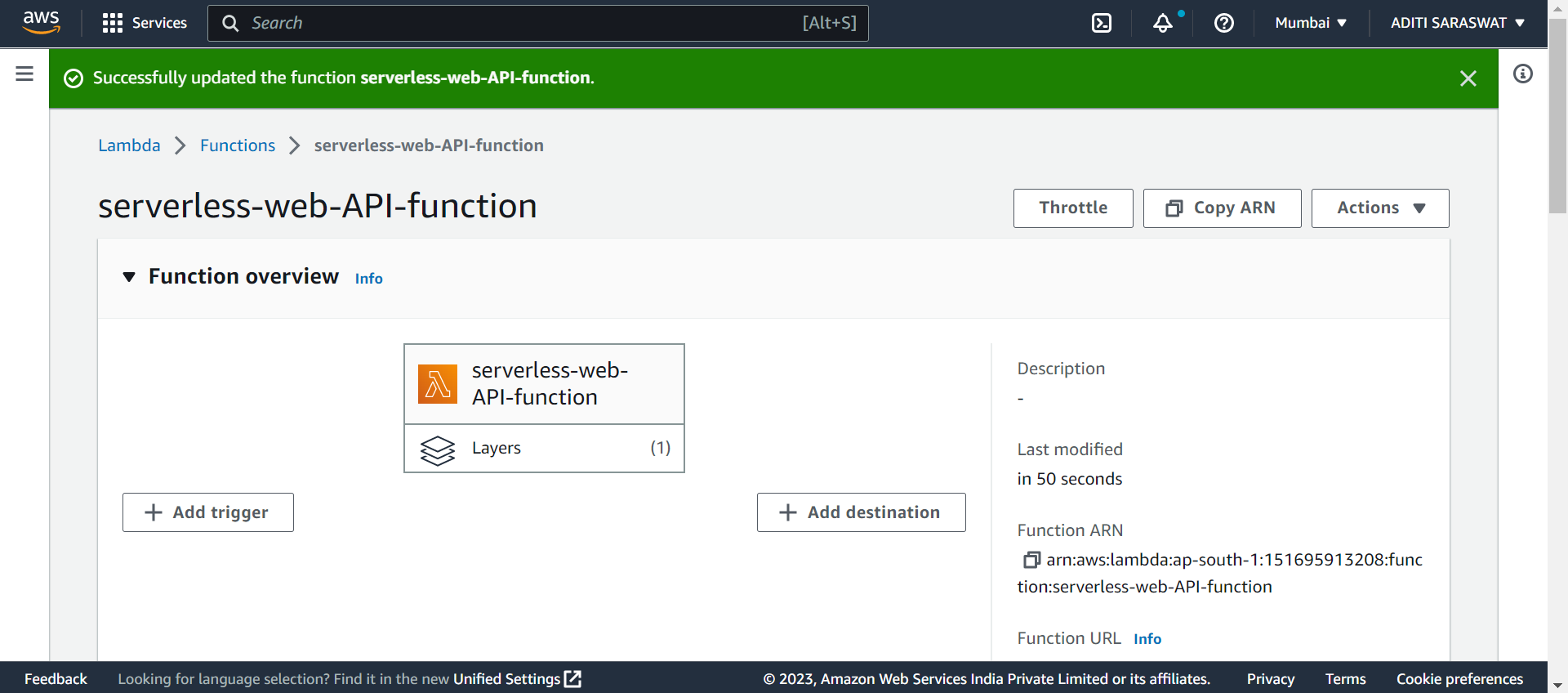
Click on Test button
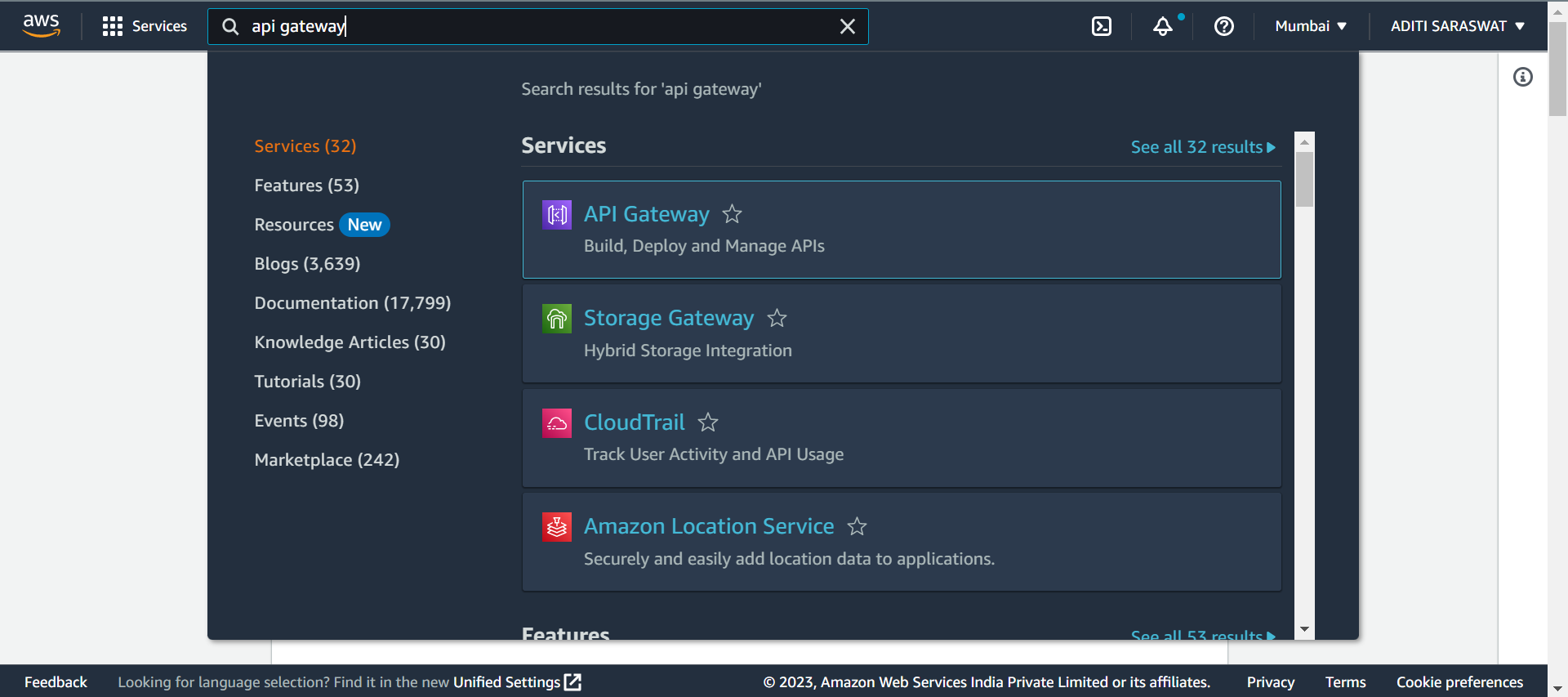
Go to aws console. Search and select API Gateway from the service category
Select REST API and click on Build button


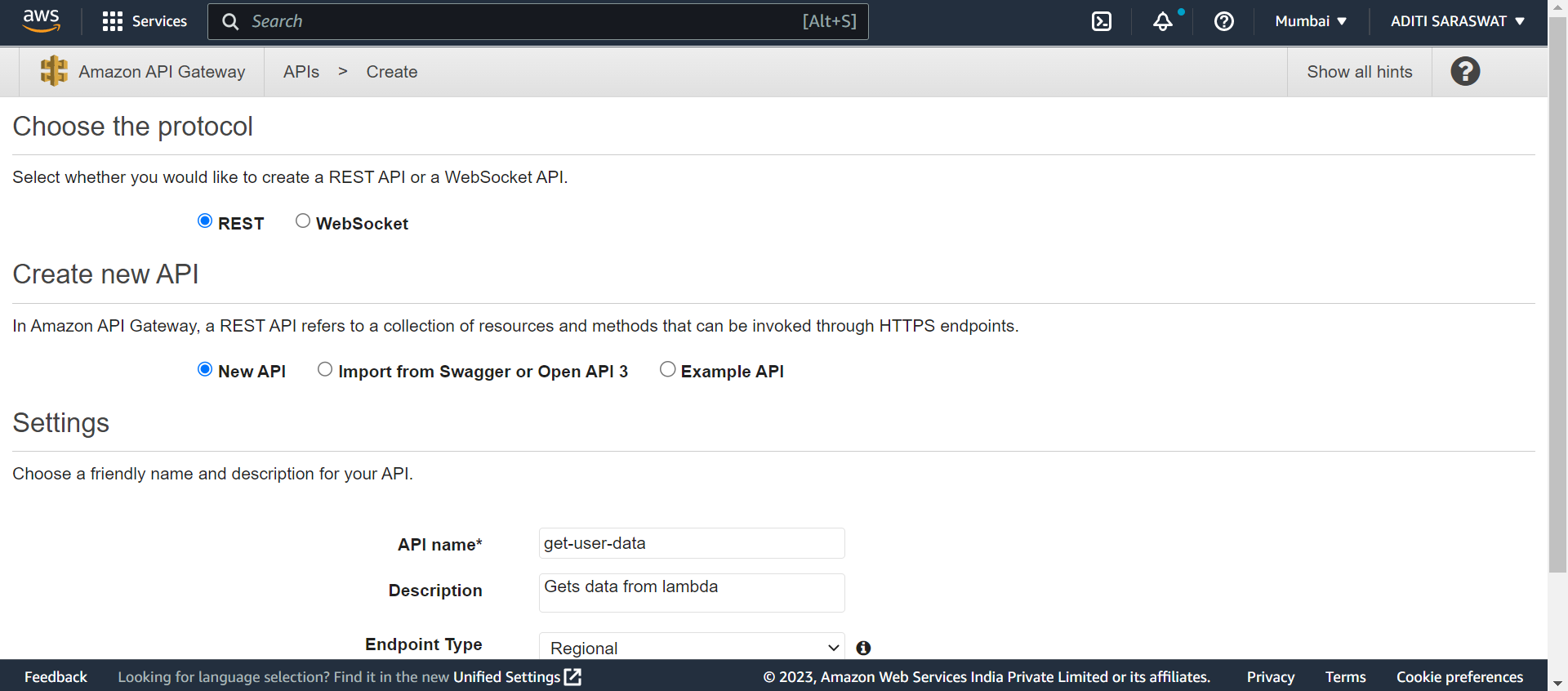
Choose the protocol. Select REST as protocol. Select New API to create a new API and enter API name, description and Endpoint type. Click Create API to create API

Click on Actions and select Create Method from the drop-down menu

Select GET and setup GET. Select Lambda Function as Integration type and select Lambda function created earlier. Click Save
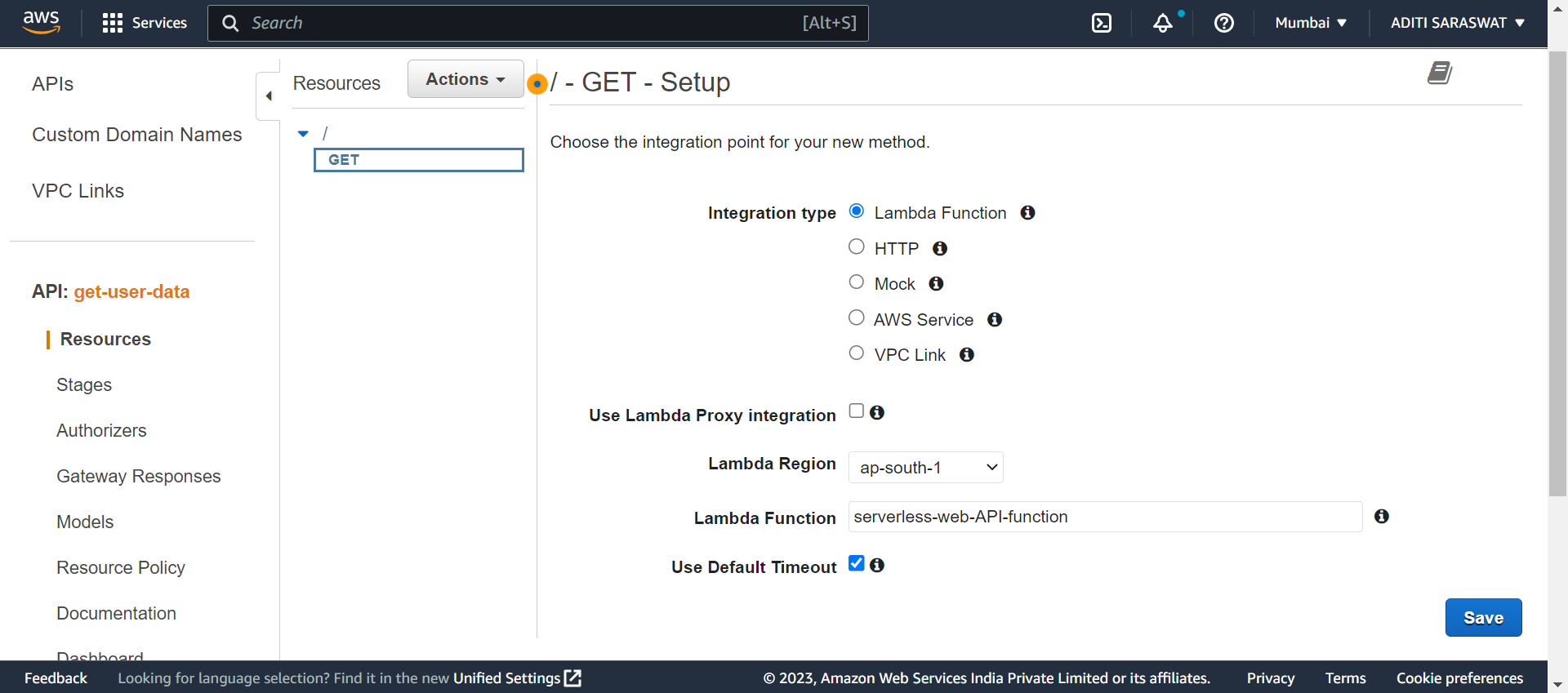

click on TEST

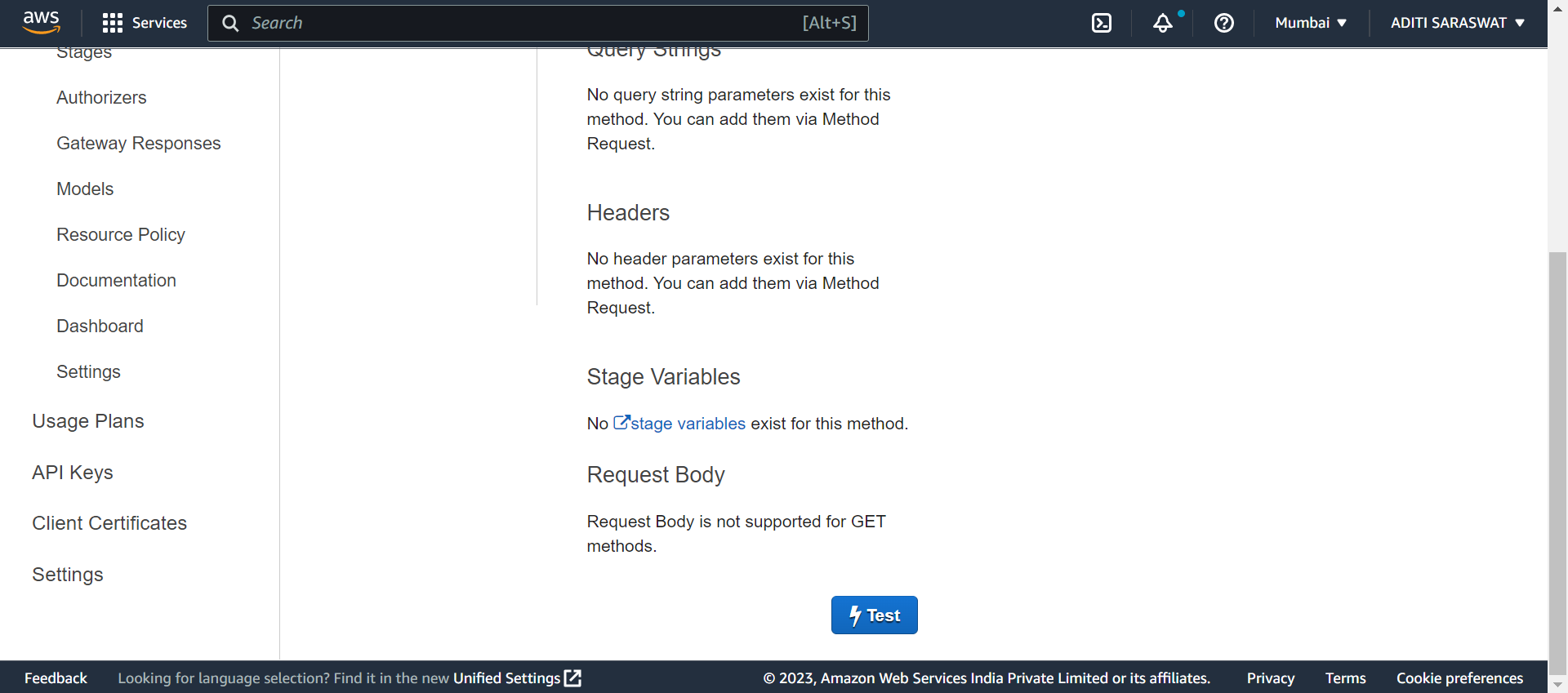

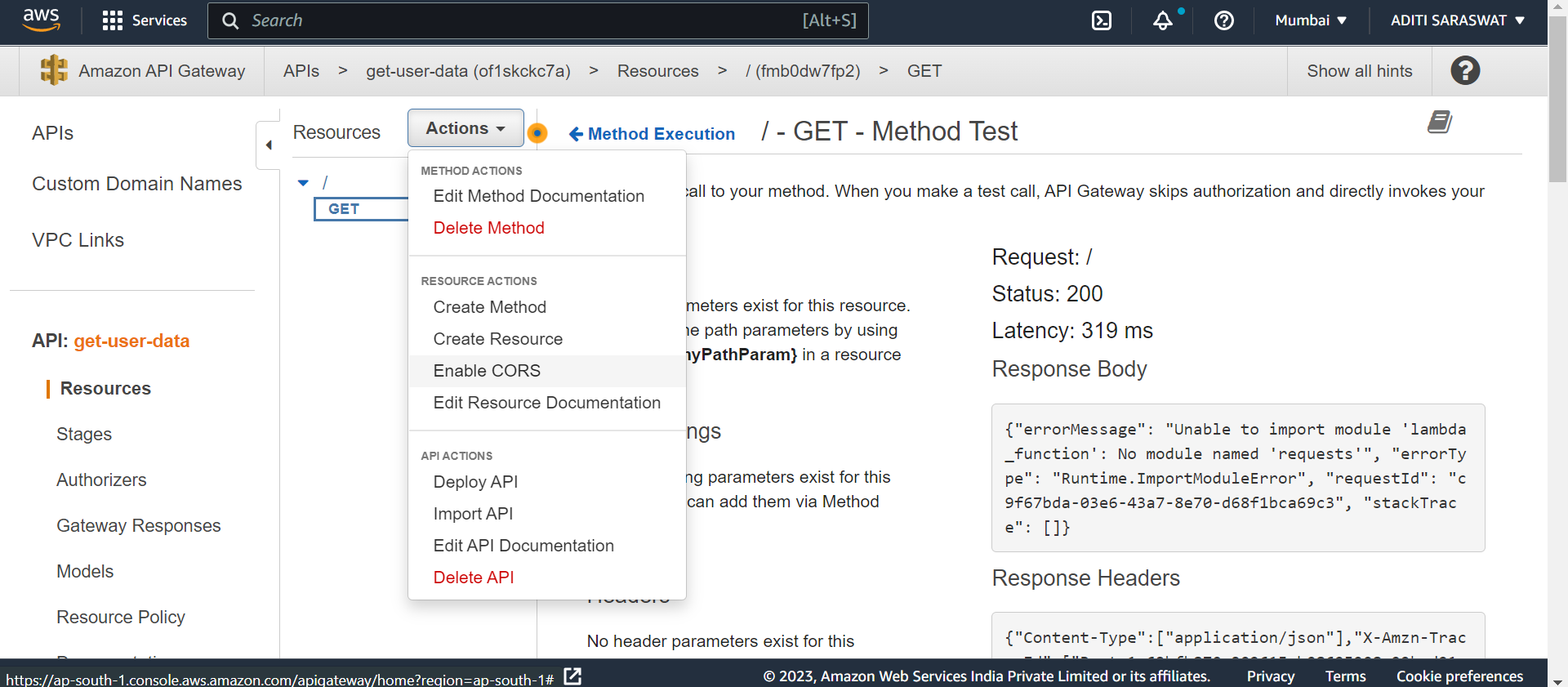
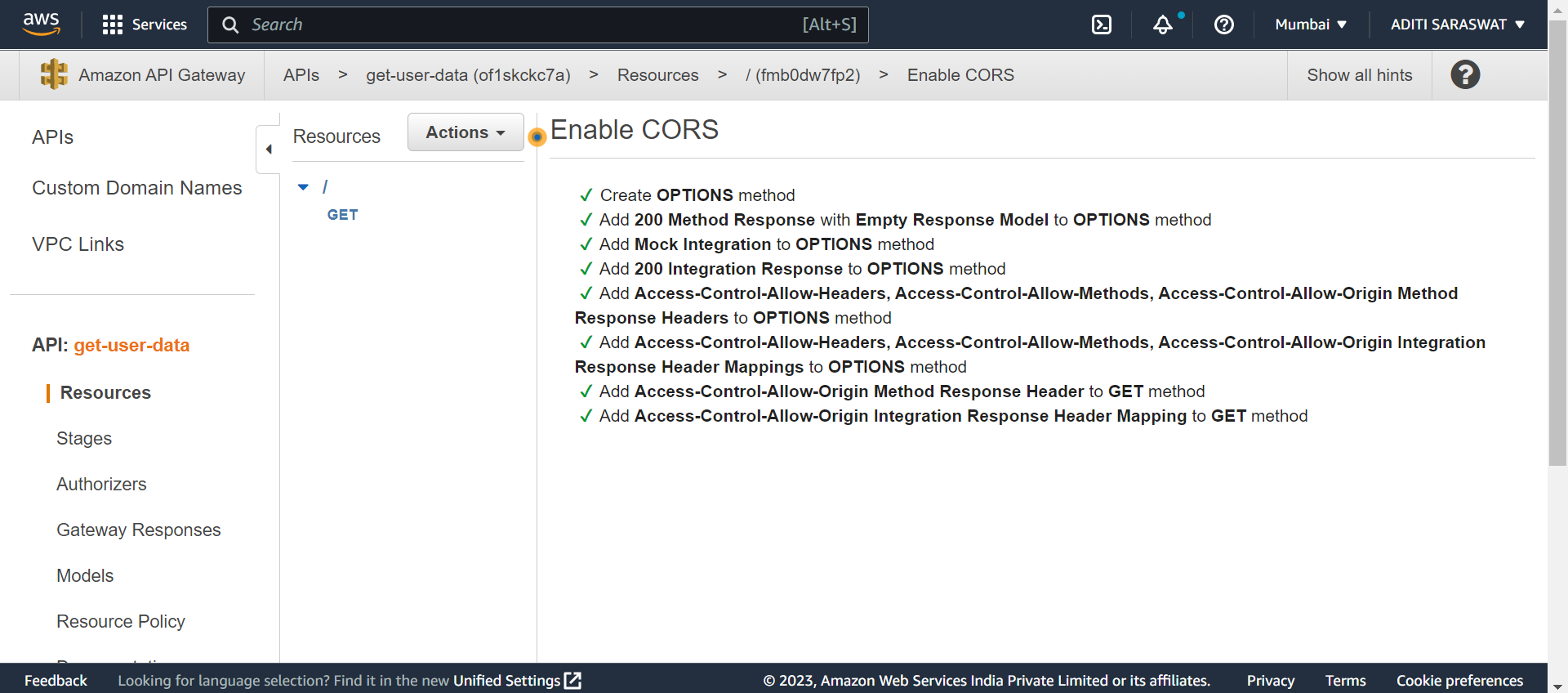
Click on Actions and select Enable CORS from the drop-down menu
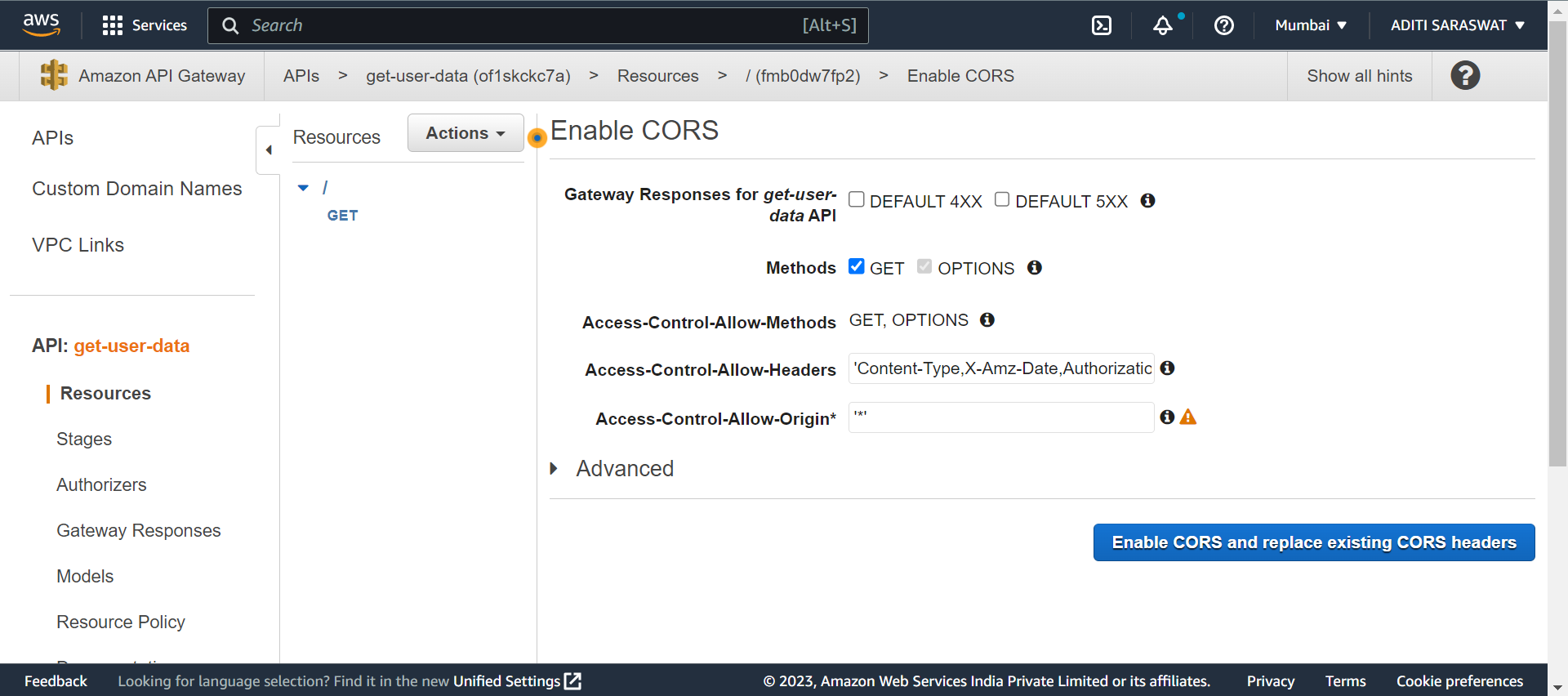
Click on Enable CORS and replace existing CORS headers button

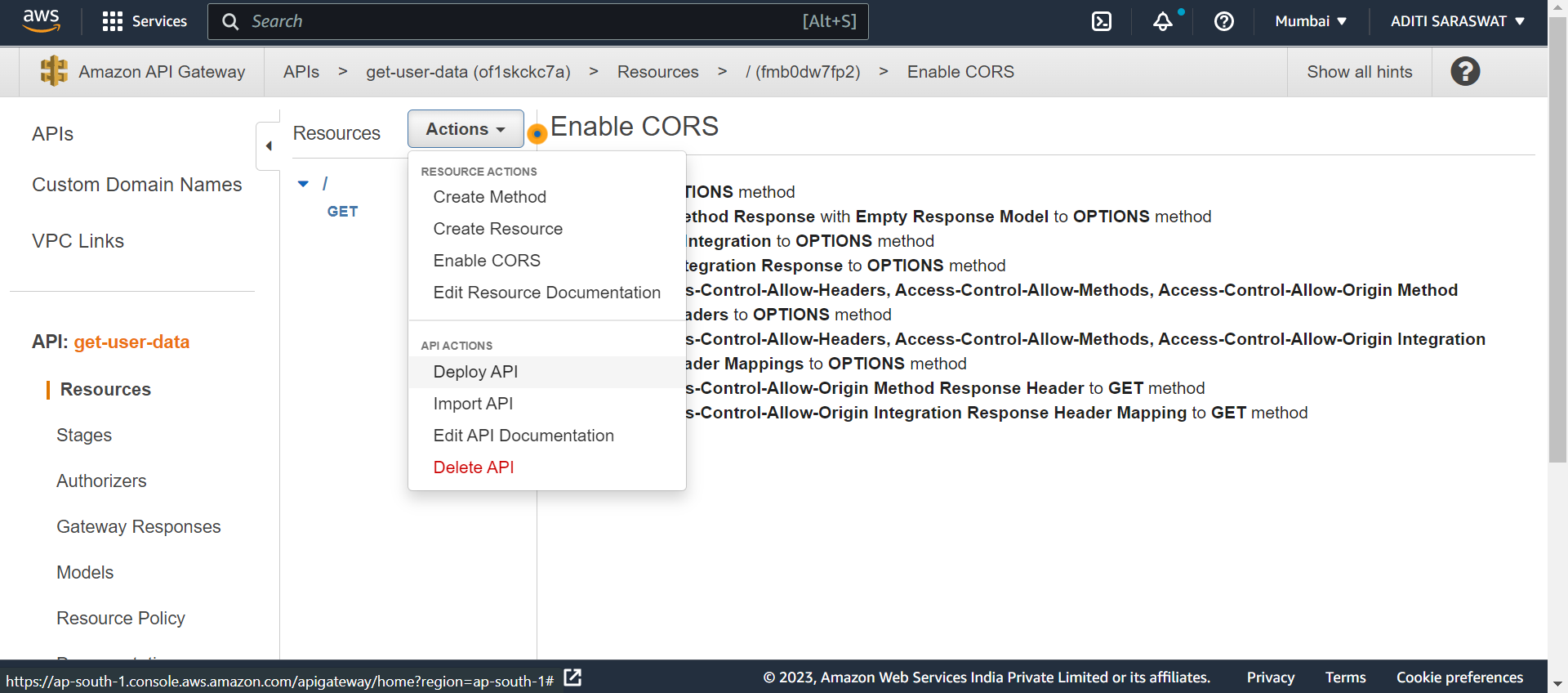
Click on Actions and select Deploy API from the drop-down menu
Select Deployement stage as New Stage and click Deploy

Copy the Invoke URL

Paste the copied URL on Postman and select GET. Click Send

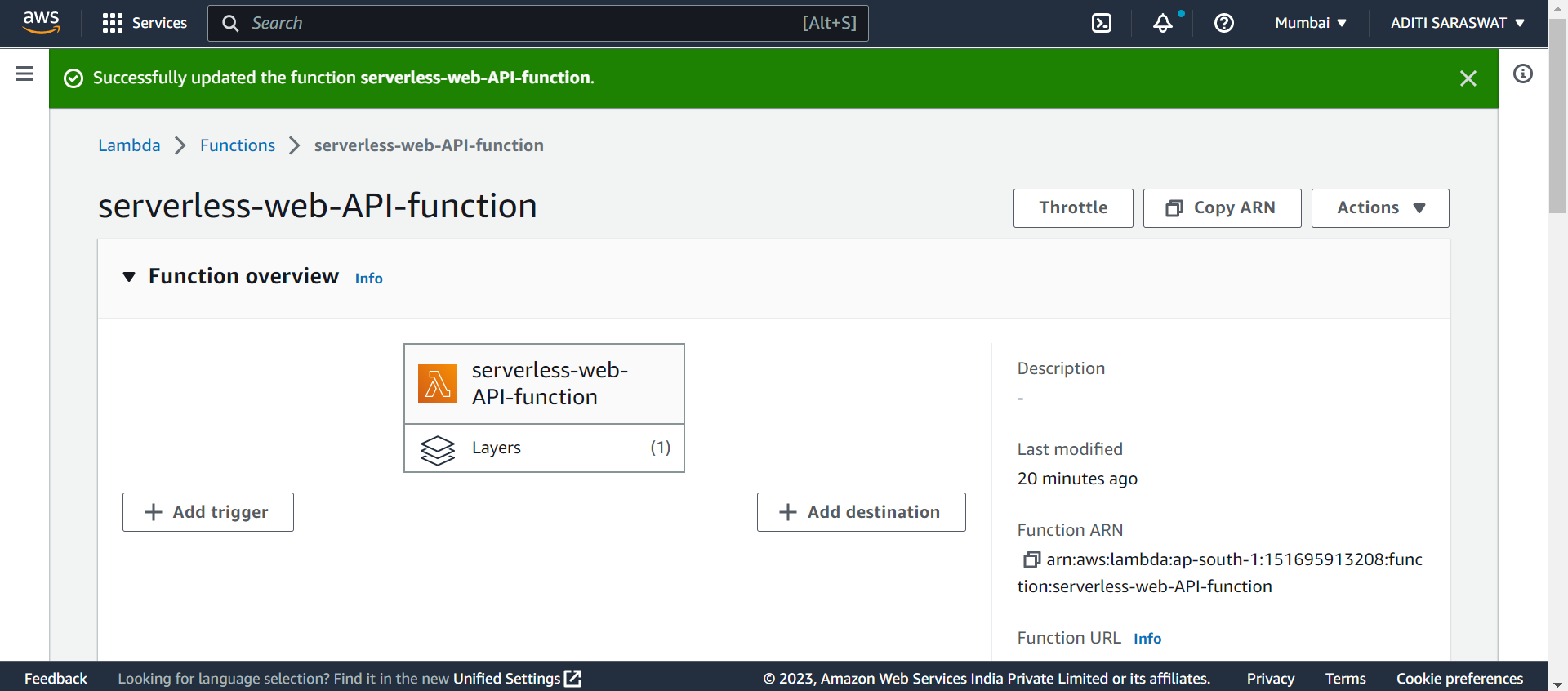
Go to aws console and click Add trigger button
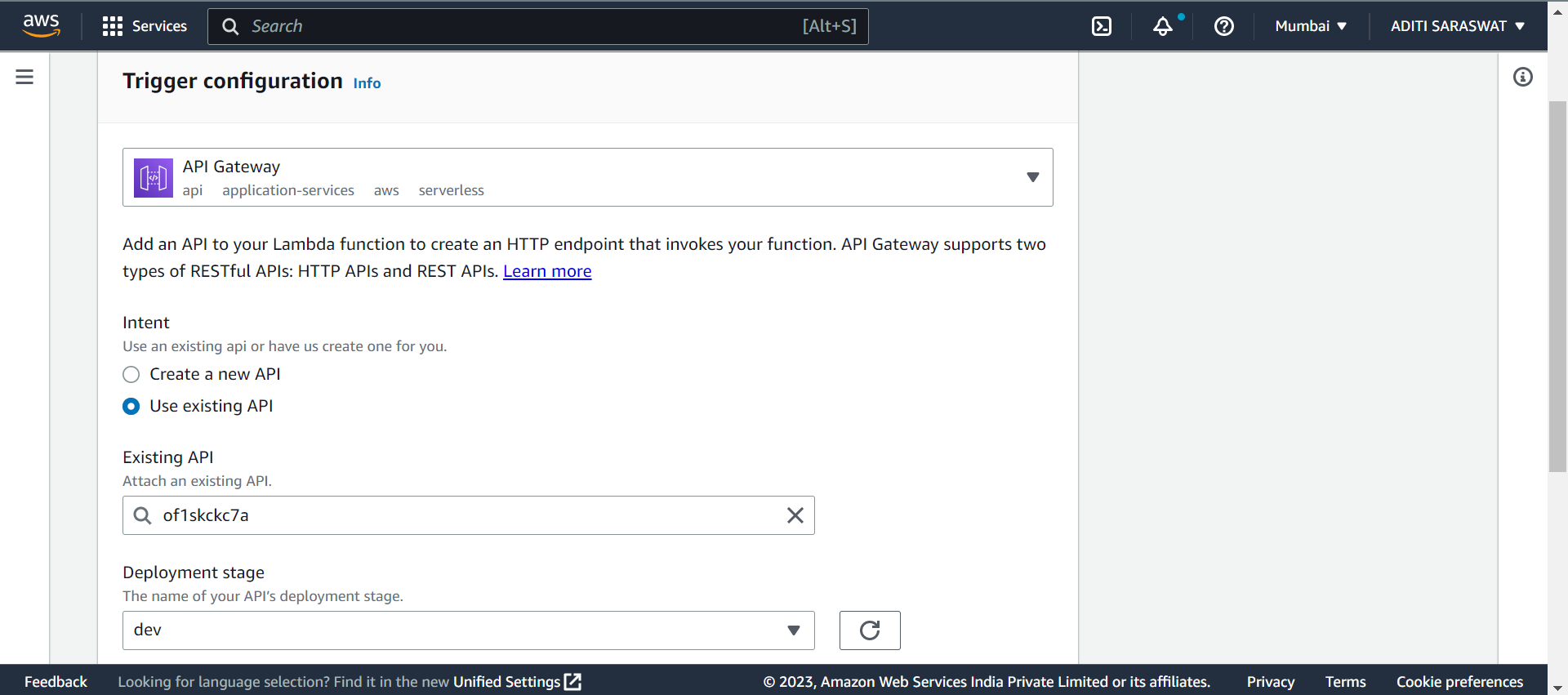
Select API Gateway and select **Use existing API. Select security as Open and click Add

Enter the URL on web browser
